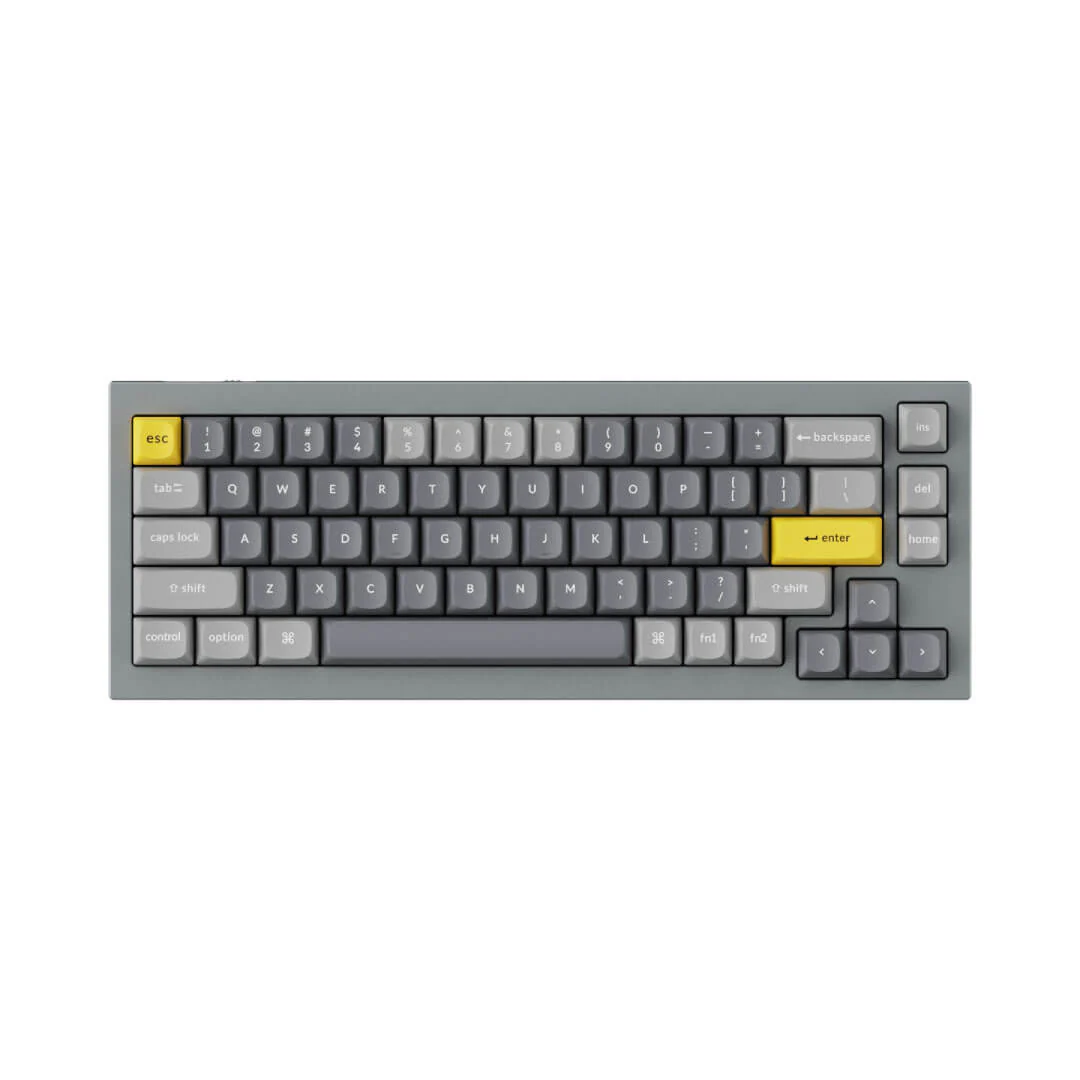
Logitech - MX Keys Mini for Mac
MASTER IT. WITH A MINI.
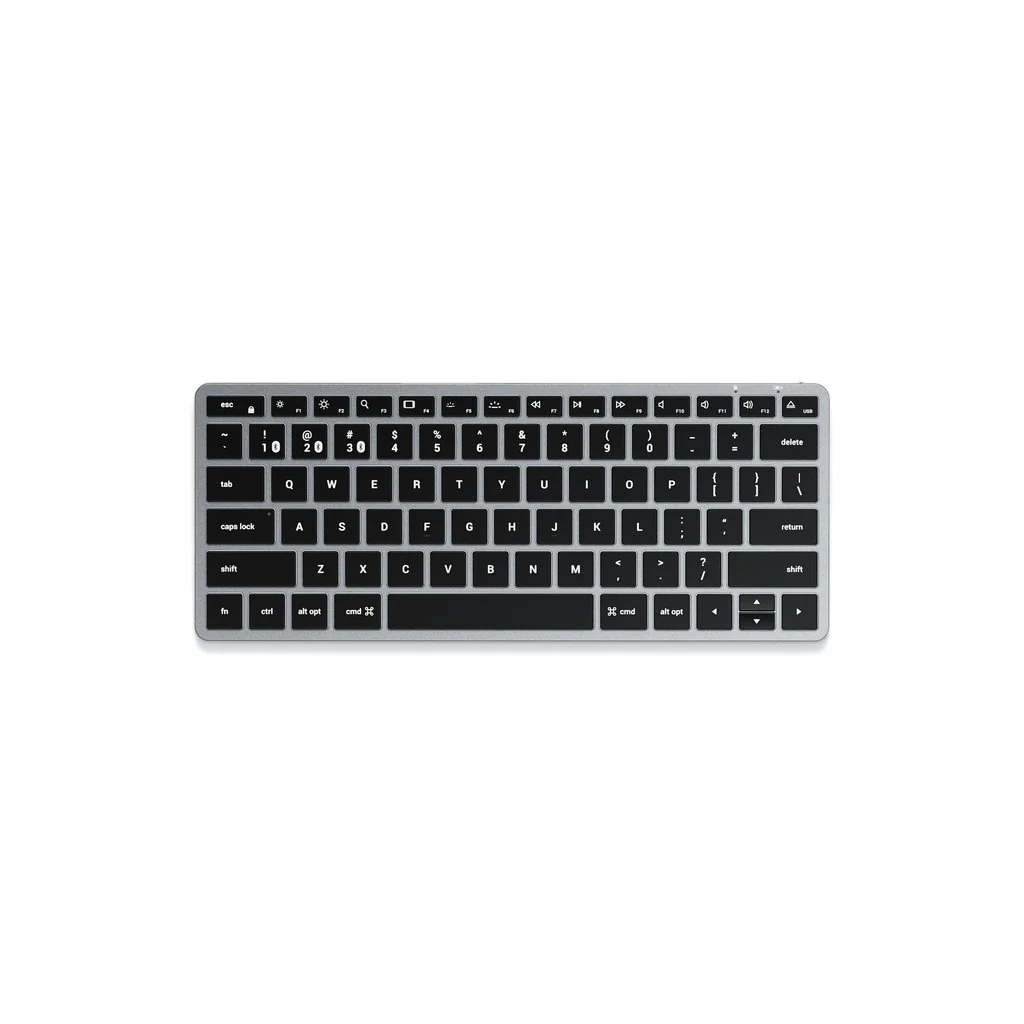
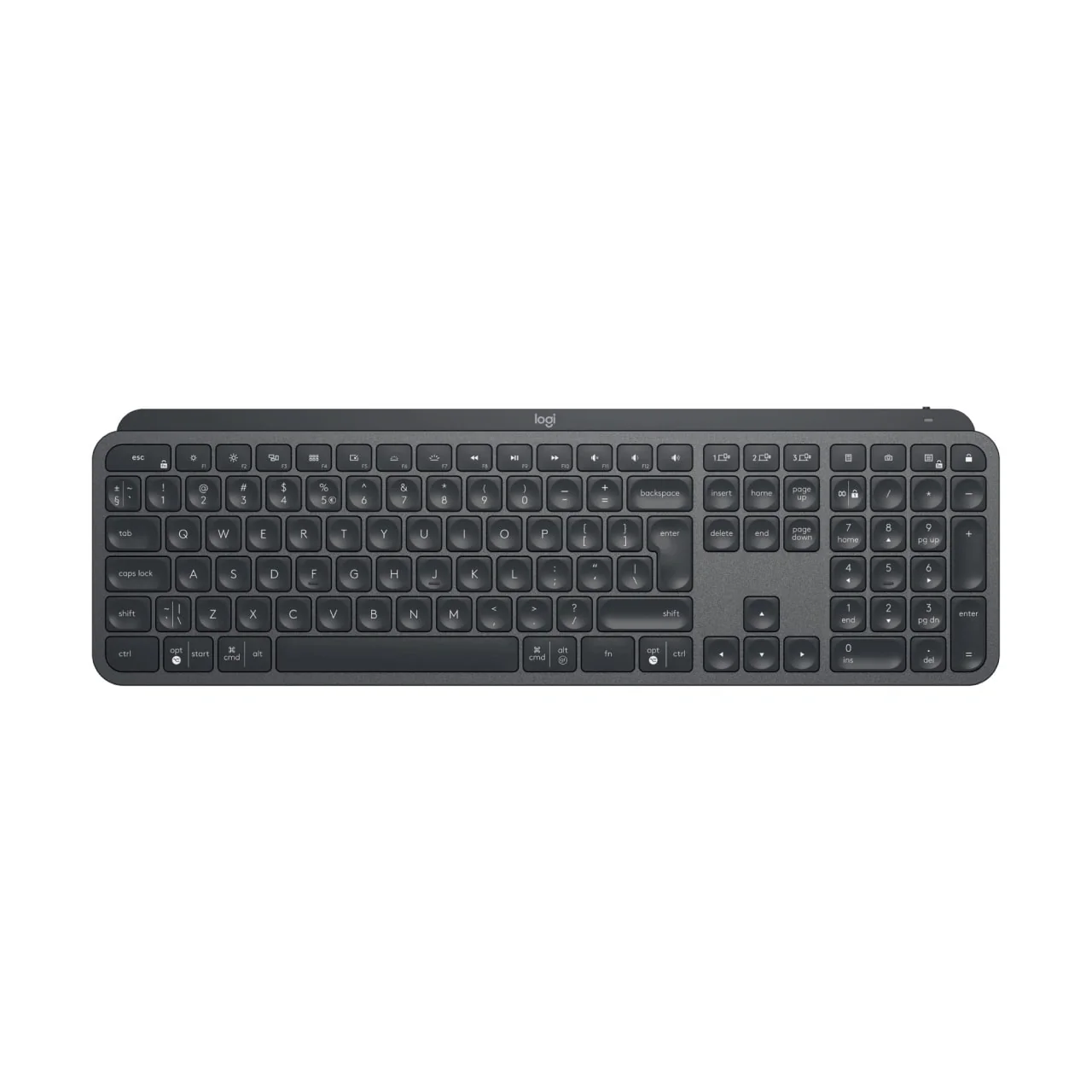
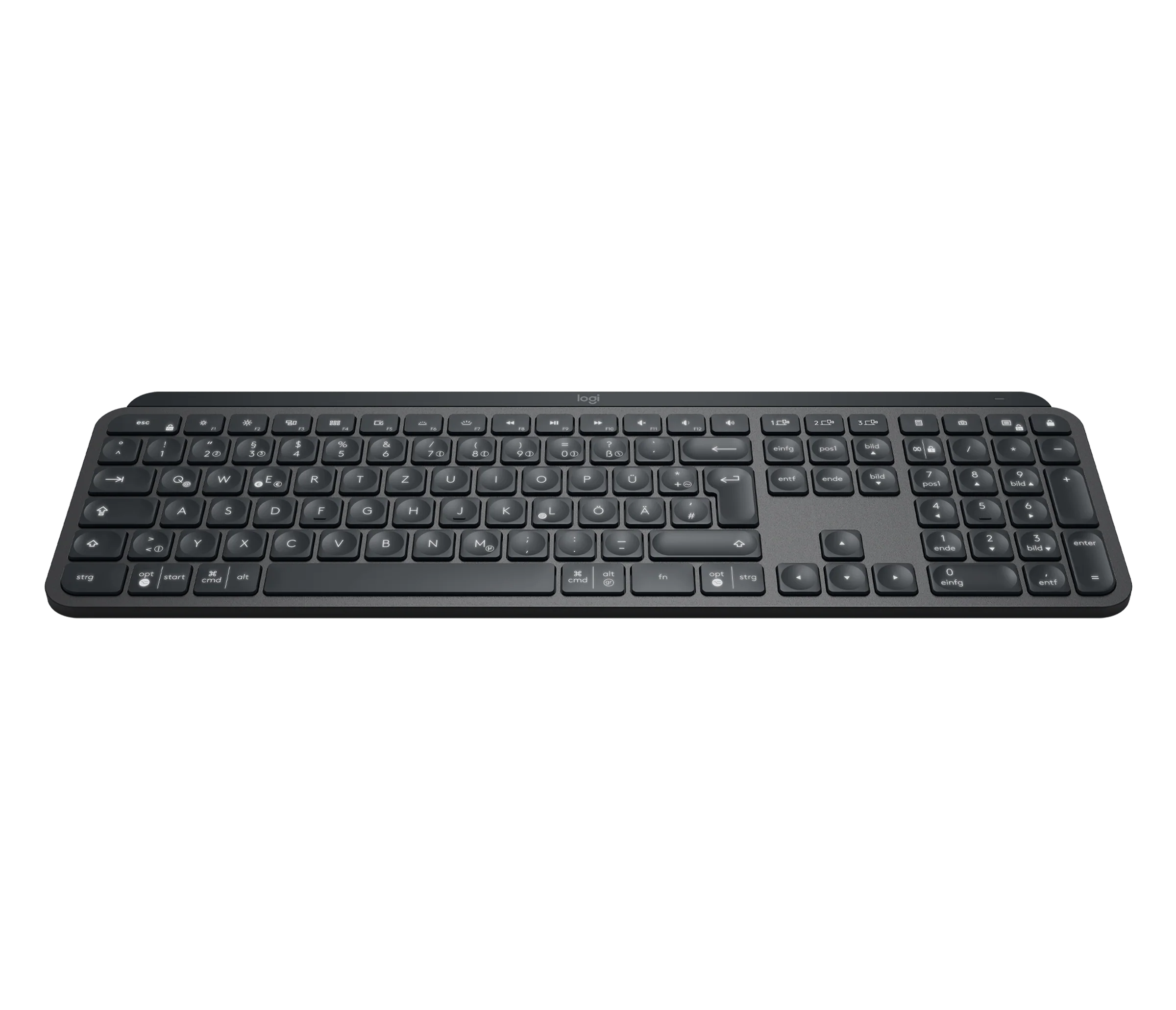
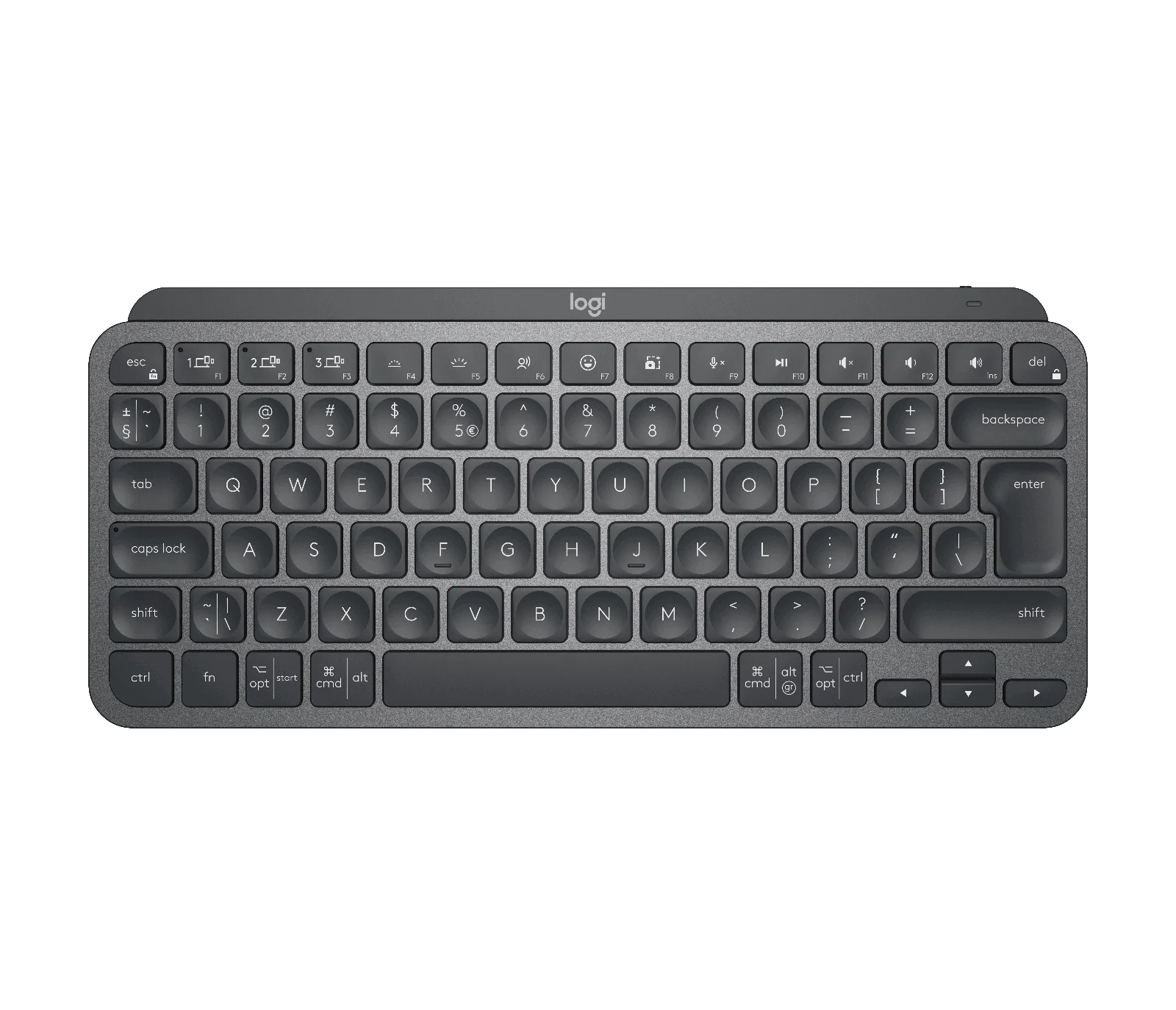
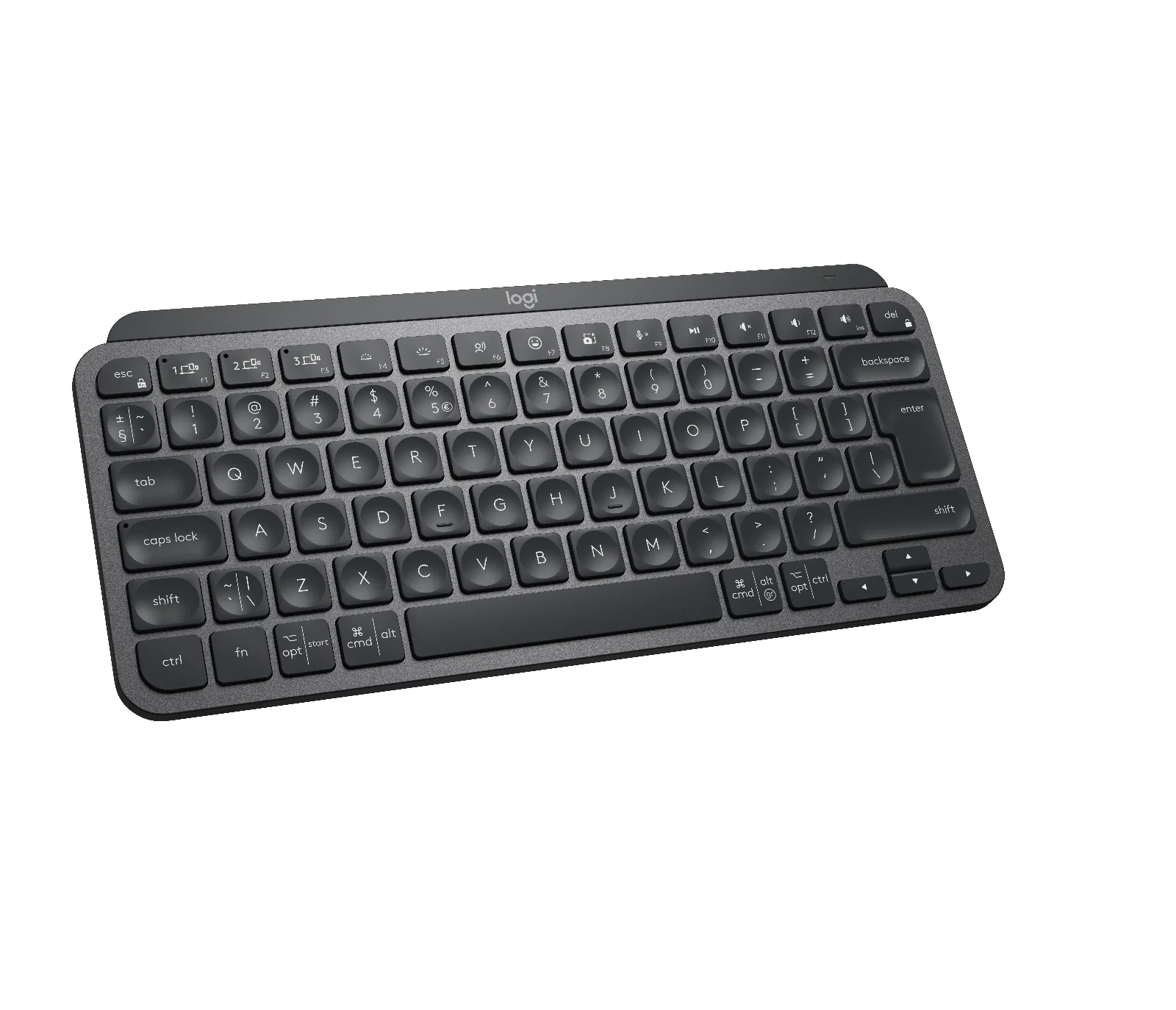
Meet MX Keys Mini – a minimalist keyboard made for creators.A smaller form factor and smarter keys result in a mightier way to create, make, and do.


MINI SIZE, HUGE COMFORT
Work on a minimalist keyboard that places every key, command, and shortcut at your fingertips.
The minimalist form factor aligns your shoulders and allows you to place your mouse closer to your keyboard for less hand reaching – for better posture and improved ergonomics.
INTRODUCING EMOJI, DICTATION, AND MIC MUTE / UNMUTE KEYS
Smarter Fn Keys (Requires Logi Options+ app available on Windows and macOS at logitech.com/optionsplus) now give you the power to send emojis, mute and unmute your mic, and activate talk to text.


SMART ILLUMINATION. MADE SMARTER.
Proximity sensors detect your hands, illuminating the keyboard the moment your fingers approach. The backlit keys automatically adjust to lighting conditions and turn off when you step away — saving power for those moments of inspiration.
Backlighting intensity automatically adapts to lighting conditions, or can be set manually.
CREATE IN A SEAMLESS FLOW
MX Keys Mini follows your Flow technology enabled MX Anywhere 3 or MX Master 3 from one computer to another, meaning you can type on multiple devices in one fluid workflow.
Transfer files, documents, and images across devices and macOS and Windows® operating systems with Logi Options+

Product Information
Product Information
Shipping & Returns
Shipping & Returns


Logitech - MX Keys Mini for Mac
Logitech - MX Keys Mini for Mac
MASTER IT. WITH A MINI.
Meet MX Keys Mini – a minimalist keyboard made for creators.A smaller form factor and smarter keys result in a mightier way to create, make, and do.
MINI SIZE, HUGE COMFORT
Work on a minimalist keyboard that places every key, command, and shortcut at your fingertips.
The minimalist form factor aligns your shoulders and allows you to place your mouse closer to your keyboard for less hand reaching – for better posture and improved ergonomics.
INTRODUCING EMOJI, DICTATION, AND MIC MUTE / UNMUTE KEYS
Smarter Fn Keys (Requires Logi Options+ app available on Windows and macOS at logitech.com/optionsplus) now give you the power to send emojis, mute and unmute your mic, and activate talk to text.
SMART ILLUMINATION. MADE SMARTER.
Proximity sensors detect your hands, illuminating the keyboard the moment your fingers approach. The backlit keys automatically adjust to lighting conditions and turn off when you step away — saving power for those moments of inspiration.
Backlighting intensity automatically adapts to lighting conditions, or can be set manually.
CREATE IN A SEAMLESS FLOW
MX Keys Mini follows your Flow technology enabled MX Anywhere 3 or MX Master 3 from one computer to another, meaning you can type on multiple devices in one fluid workflow.
Transfer files, documents, and images across devices and macOS and Windows® operating systems with Logi Options+
Original: $129.86
-70%$129.86
$38.96Product Information
Product Information
Shipping & Returns
Shipping & Returns
Description
MASTER IT. WITH A MINI.
Meet MX Keys Mini – a minimalist keyboard made for creators.A smaller form factor and smarter keys result in a mightier way to create, make, and do.
MINI SIZE, HUGE COMFORT
Work on a minimalist keyboard that places every key, command, and shortcut at your fingertips.
The minimalist form factor aligns your shoulders and allows you to place your mouse closer to your keyboard for less hand reaching – for better posture and improved ergonomics.
INTRODUCING EMOJI, DICTATION, AND MIC MUTE / UNMUTE KEYS
Smarter Fn Keys (Requires Logi Options+ app available on Windows and macOS at logitech.com/optionsplus) now give you the power to send emojis, mute and unmute your mic, and activate talk to text.
SMART ILLUMINATION. MADE SMARTER.
Proximity sensors detect your hands, illuminating the keyboard the moment your fingers approach. The backlit keys automatically adjust to lighting conditions and turn off when you step away — saving power for those moments of inspiration.
Backlighting intensity automatically adapts to lighting conditions, or can be set manually.
CREATE IN A SEAMLESS FLOW
MX Keys Mini follows your Flow technology enabled MX Anywhere 3 or MX Master 3 from one computer to another, meaning you can type on multiple devices in one fluid workflow.
Transfer files, documents, and images across devices and macOS and Windows® operating systems with Logi Options+