Logitech - MX Keys for Mac
MASTERED FOR MAC
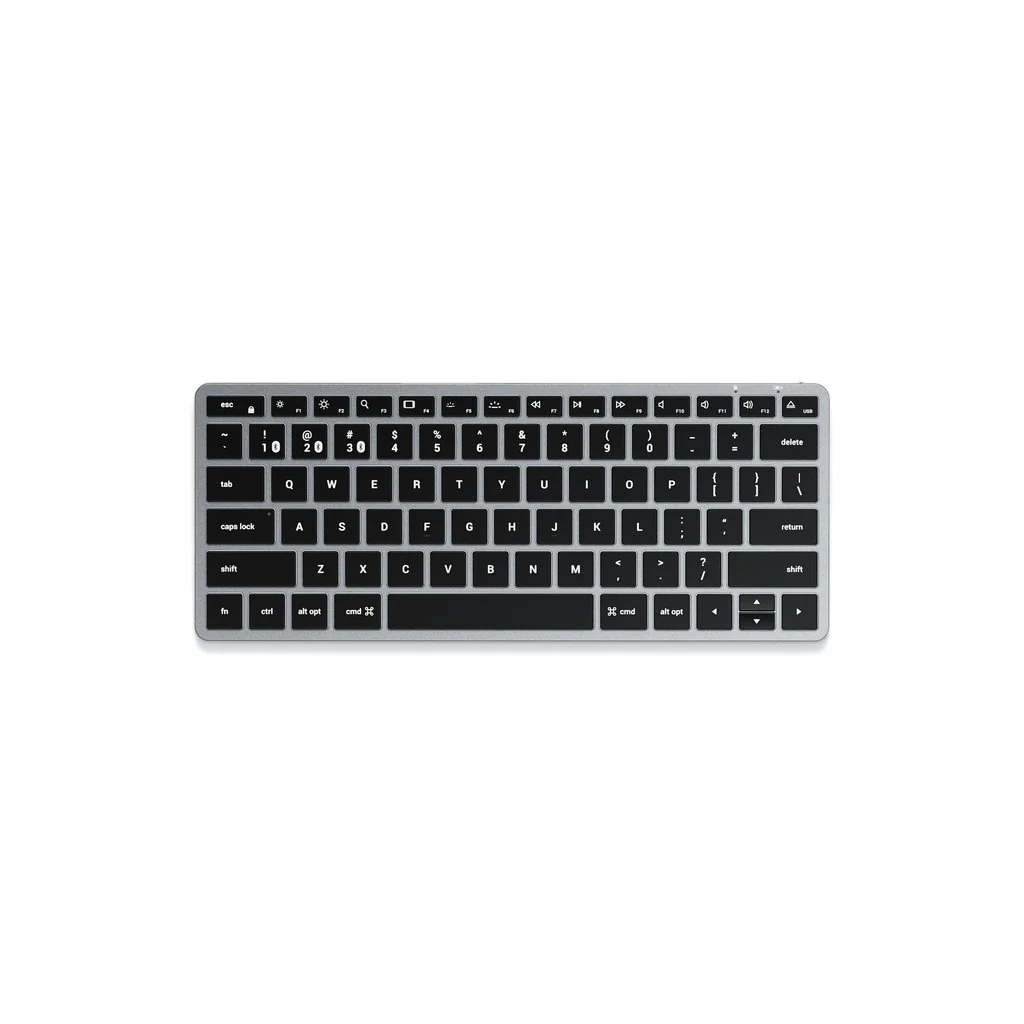
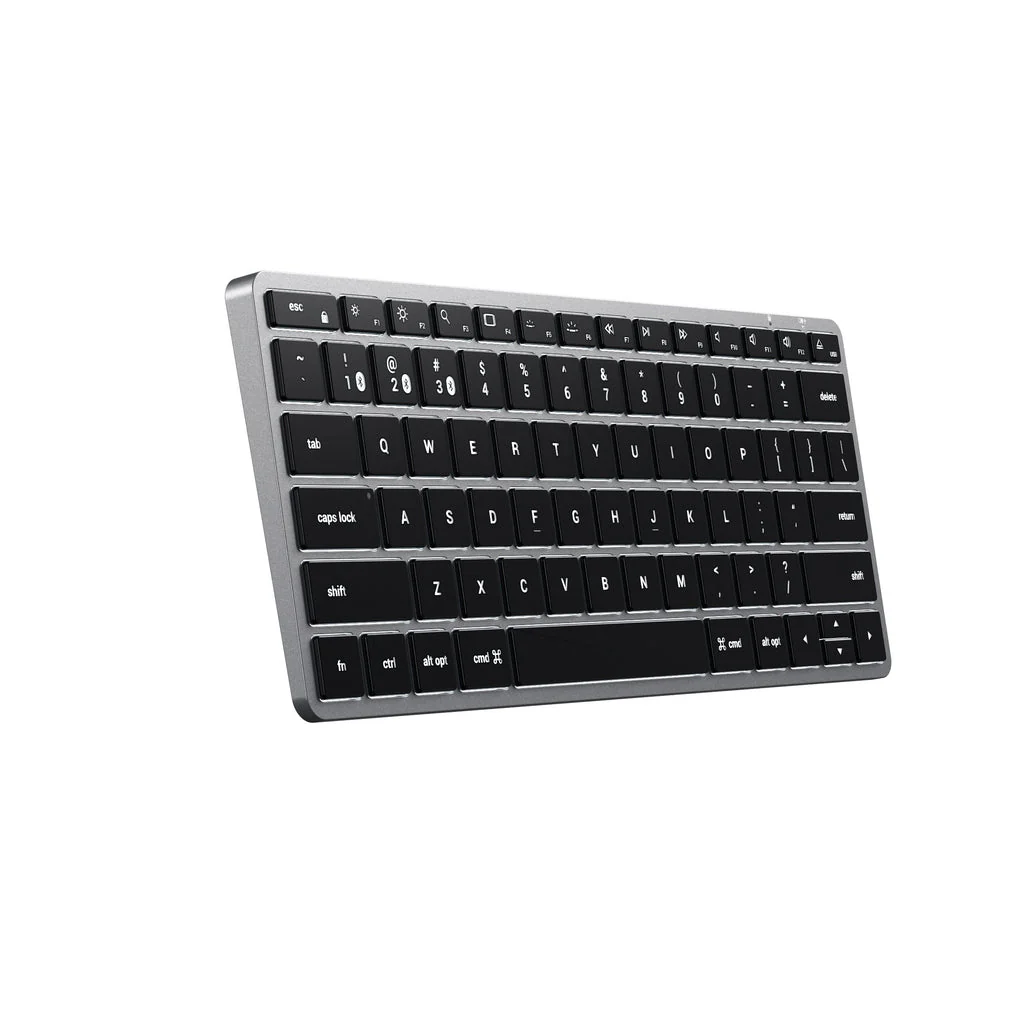
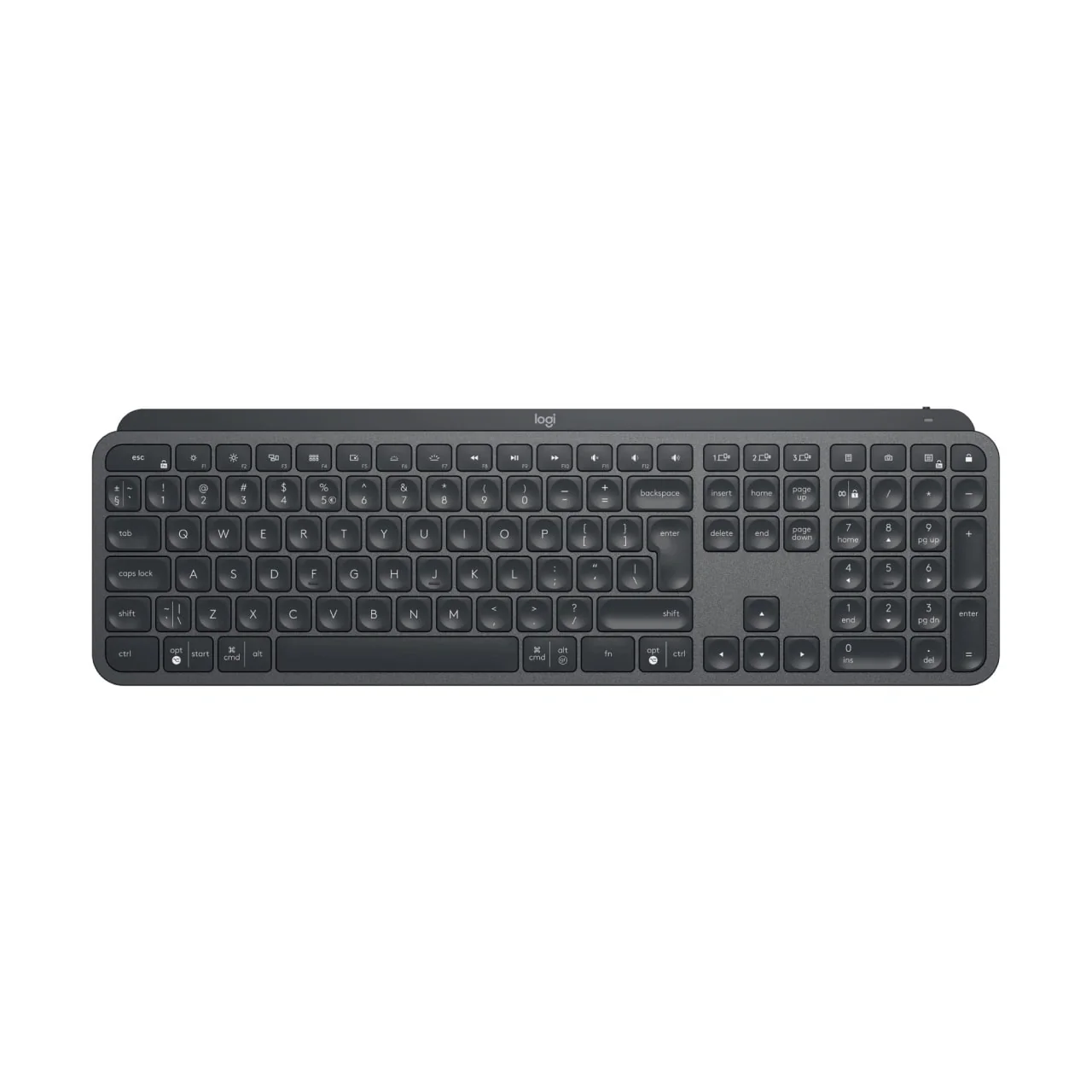
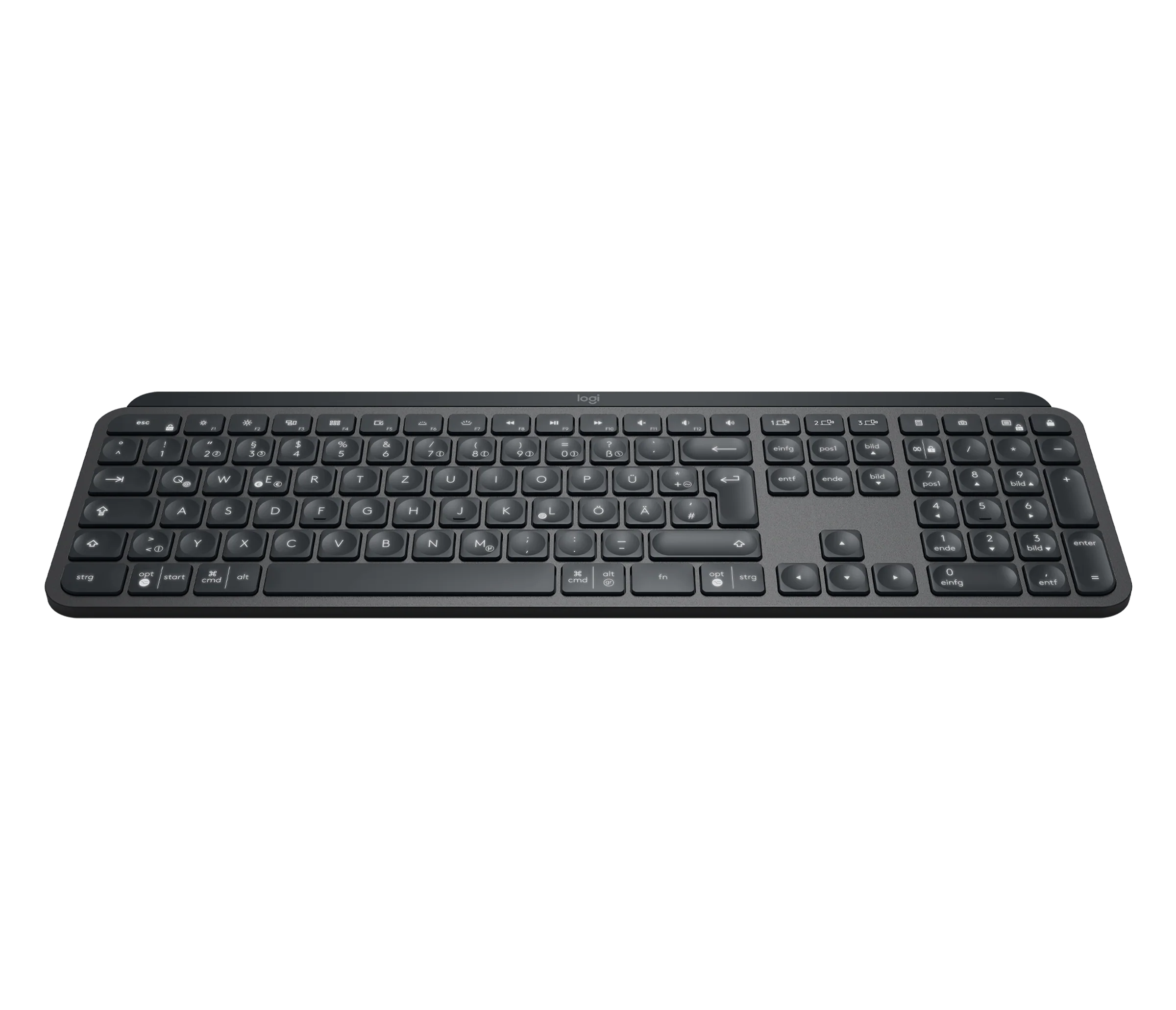
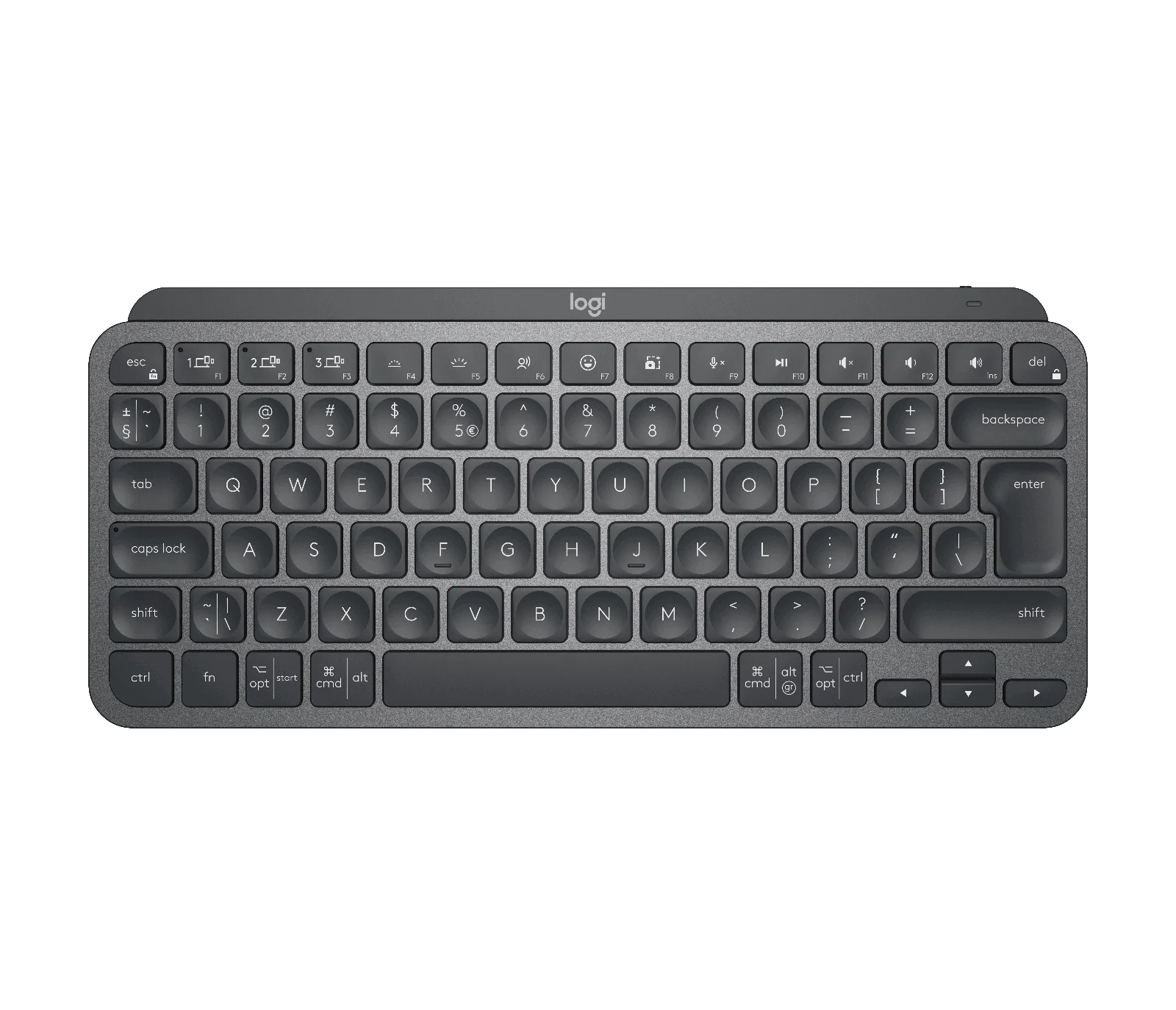
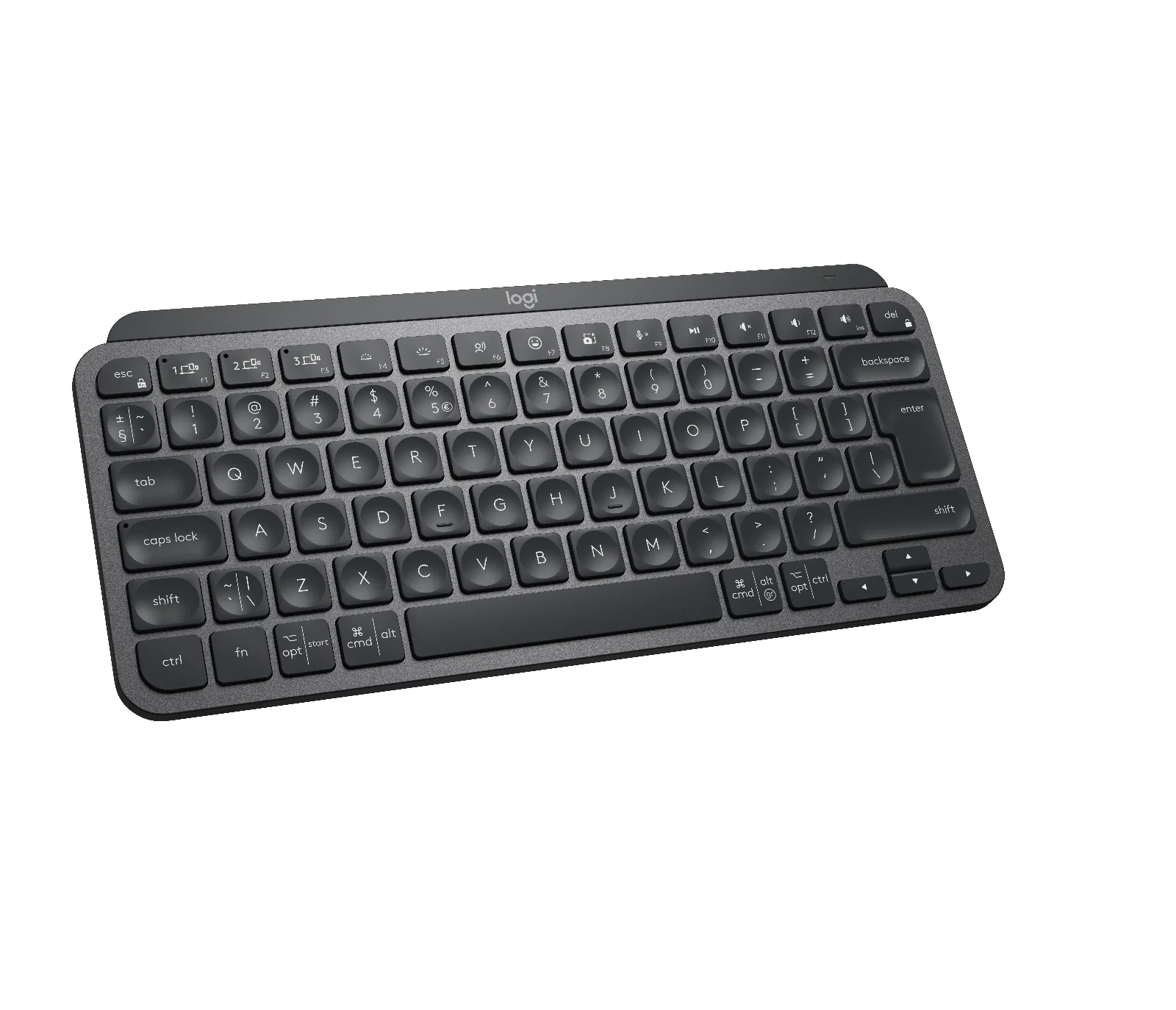
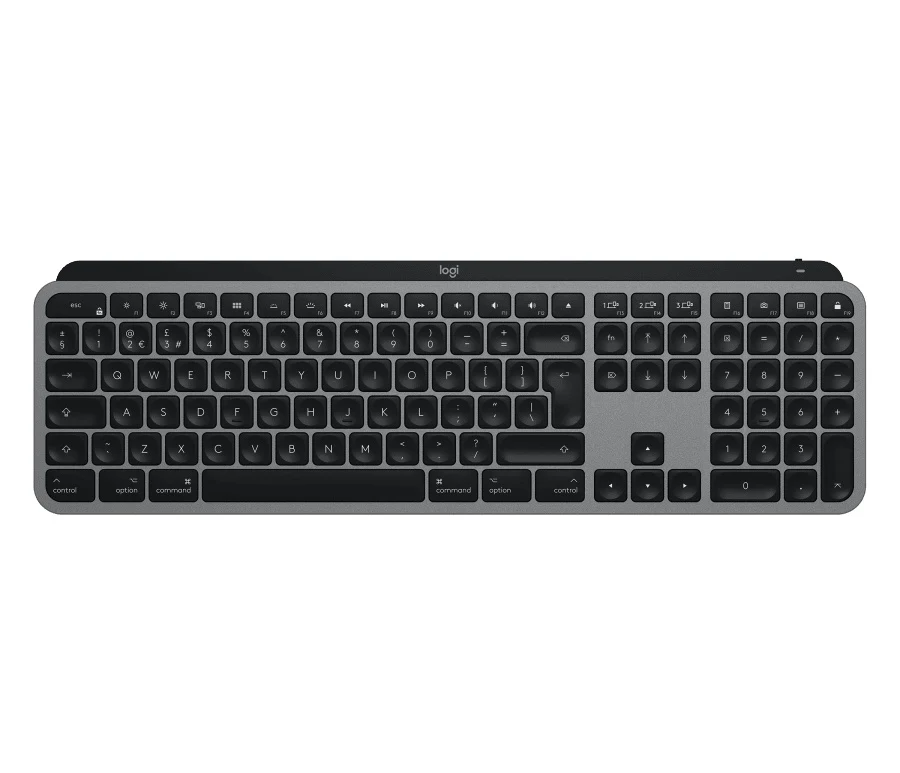
Introducing MX Keys for Mac – designed to work seamlessly on your Mac and iPad. Finished in Space Gray, MX Keys for Mac is crafted for efficiency, stability, and precision – with backlit keys that adjust to changing lighting conditions.


PERFECT STROKE KEYS. MAC LAYOUT.
Spherically dished keys are crafted for the shape of your fingertips – and feature Mac-only laser key printing.
Rounded key edges provide satisfying feedback — no matter where you strike the key. And matte coating has been applied to every key so your fingers glide effortlessly over the surface.
COMFORT, STABILITY, MINIMALISM
Confidently type on a keyboard crafted for comfort, precision, and remarkable stability. The aesthetic minimalism and timeless construction fits perfectly in your Mac setup – all while looking, and feeling, superior.


SMART ILLUMINATION. MADE SMARTER.
Proximity sensors detect your hands, illuminating the keyboard the moment your fingers approach. The backlit keys then fade off when you leave the desk — saving power for those moments of inspiration.
Backlighting intensity automatically adapts to lighting conditions, or can be set manually.
MULTIPLE COMPUTERS, ONE FLOW
MX Keys follows your MX Master 3 for Mac from one Mac to another, meaning you can type on multiple devices in one fluid workflow.
Transfer files, documents, and images across computers and Mac and Windows® operating systems1

\
Product Information
Product Information
Shipping & Returns
Shipping & Returns


Logitech - MX Keys for Mac
Logitech - MX Keys for Mac
MASTERED FOR MAC
Introducing MX Keys for Mac – designed to work seamlessly on your Mac and iPad. Finished in Space Gray, MX Keys for Mac is crafted for efficiency, stability, and precision – with backlit keys that adjust to changing lighting conditions.
PERFECT STROKE KEYS. MAC LAYOUT.
Spherically dished keys are crafted for the shape of your fingertips – and feature Mac-only laser key printing.
Rounded key edges provide satisfying feedback — no matter where you strike the key. And matte coating has been applied to every key so your fingers glide effortlessly over the surface.
COMFORT, STABILITY, MINIMALISM
Confidently type on a keyboard crafted for comfort, precision, and remarkable stability. The aesthetic minimalism and timeless construction fits perfectly in your Mac setup – all while looking, and feeling, superior.
SMART ILLUMINATION. MADE SMARTER.
Proximity sensors detect your hands, illuminating the keyboard the moment your fingers approach. The backlit keys then fade off when you leave the desk — saving power for those moments of inspiration.
Backlighting intensity automatically adapts to lighting conditions, or can be set manually.
MULTIPLE COMPUTERS, ONE FLOW
MX Keys follows your MX Master 3 for Mac from one Mac to another, meaning you can type on multiple devices in one fluid workflow.
Transfer files, documents, and images across computers and Mac and Windows® operating systems1
\
Product Information
Product Information
Shipping & Returns
Shipping & Returns
Description
MASTERED FOR MAC
Introducing MX Keys for Mac – designed to work seamlessly on your Mac and iPad. Finished in Space Gray, MX Keys for Mac is crafted for efficiency, stability, and precision – with backlit keys that adjust to changing lighting conditions.
PERFECT STROKE KEYS. MAC LAYOUT.
Spherically dished keys are crafted for the shape of your fingertips – and feature Mac-only laser key printing.
Rounded key edges provide satisfying feedback — no matter where you strike the key. And matte coating has been applied to every key so your fingers glide effortlessly over the surface.
COMFORT, STABILITY, MINIMALISM
Confidently type on a keyboard crafted for comfort, precision, and remarkable stability. The aesthetic minimalism and timeless construction fits perfectly in your Mac setup – all while looking, and feeling, superior.
SMART ILLUMINATION. MADE SMARTER.
Proximity sensors detect your hands, illuminating the keyboard the moment your fingers approach. The backlit keys then fade off when you leave the desk — saving power for those moments of inspiration.
Backlighting intensity automatically adapts to lighting conditions, or can be set manually.
MULTIPLE COMPUTERS, ONE FLOW
MX Keys follows your MX Master 3 for Mac from one Mac to another, meaning you can type on multiple devices in one fluid workflow.
Transfer files, documents, and images across computers and Mac and Windows® operating systems1
\